
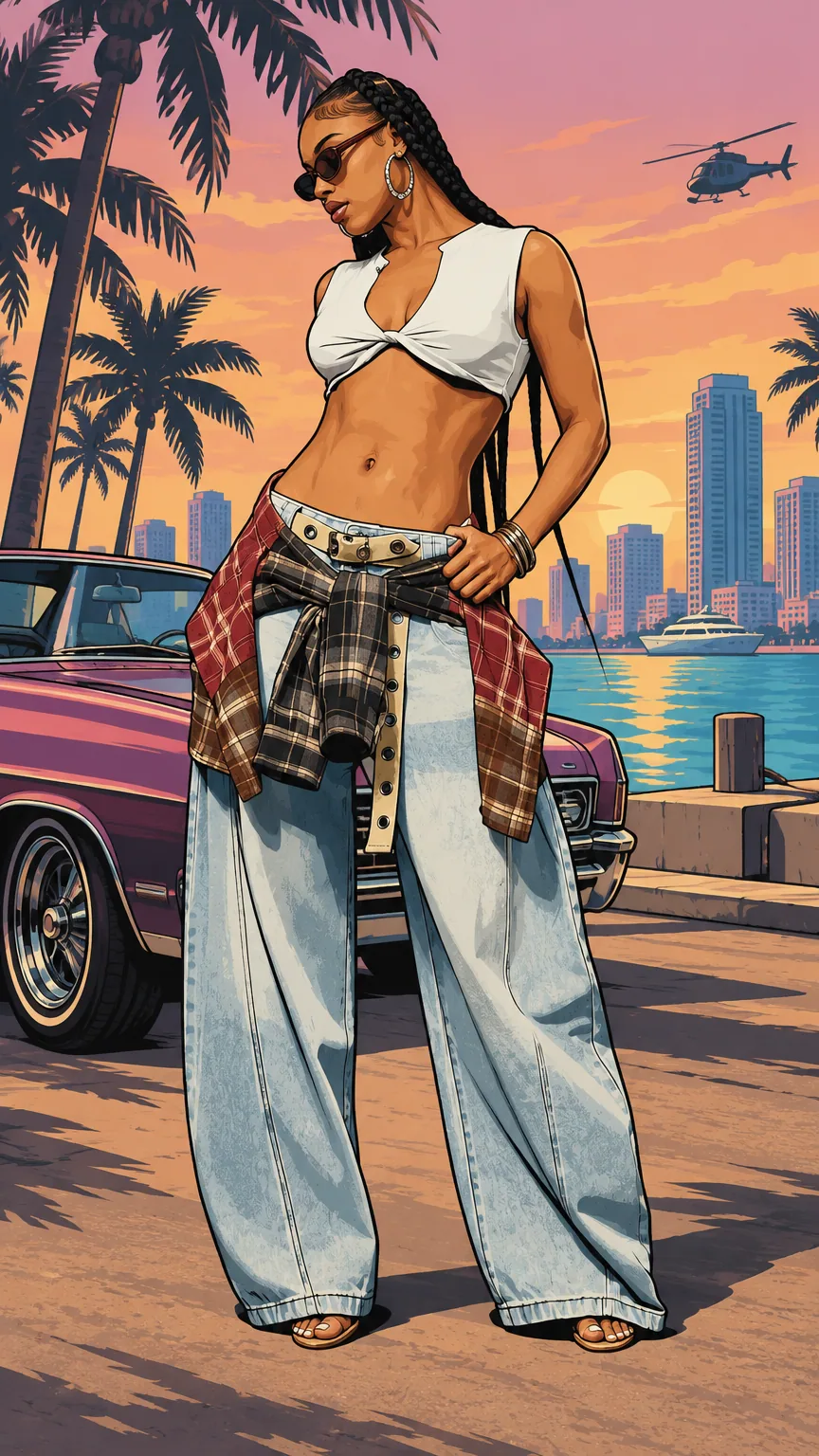
 Vice City Sunset
Ocean Boulevard Lowrider
Braids, dark shades, and a tied flannel transformed into bold GTA 6 key art beside a metallic purple coupe at golden hour.
Drop in one selfie or street photo and transform yourself into GTA 6-style loading screen key art—complete with Vice City sunset skies, bold comic outlines, palm trees, and iconic cover-art lighting.
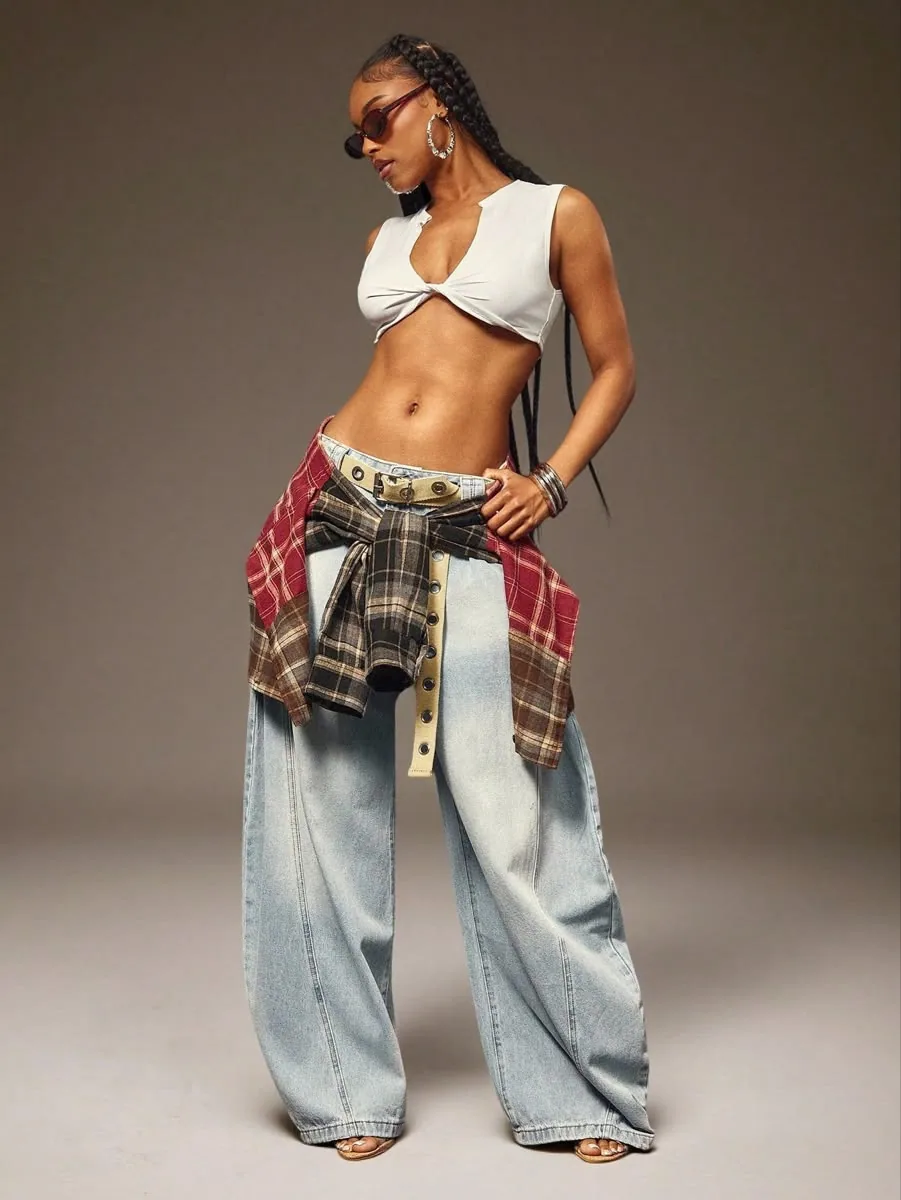
With the arrival of Grand Theft Auto VI, turning everyday selfies, fits, and weekend rides into official-looking Vice City loading screens has surged across TikTok, Instagram, and X. Unlike older flat cartoon filters, the GTA 6 look mixes crisp comic-book ink linework with rich flamingo-pink and golden-hour sunsets, Art Deco skylines, and retro coupes.
Instead of wrestling with complex ChatGPT or Midjourney image prompts, Filmury locks in the Rockstar-inspired illustration style for you—preserving your face, shades, hair, and outfit while rebuilding the entire scene into a high-resolution 9:16 portrait ready for your PFP or carousel reveal.
Crisp ink contours and cel-shaded highlights crafted in the classic GTA cover-art illustration tradition.
Warm pink-to-orange skies, palm silhouettes, coastal piers, choppers, and vintage convertibles.
Keeps your real facial structure, braids, sunglasses, accessories, and streetwear recognizable.
Tap “View Original” on any card to compare the starting portrait against the generated GTA 6 artwork.
Vice City SunsetBraids, dark shades, and a tied flannel transformed into bold GTA 6 key art beside a metallic purple coupe at golden hour.
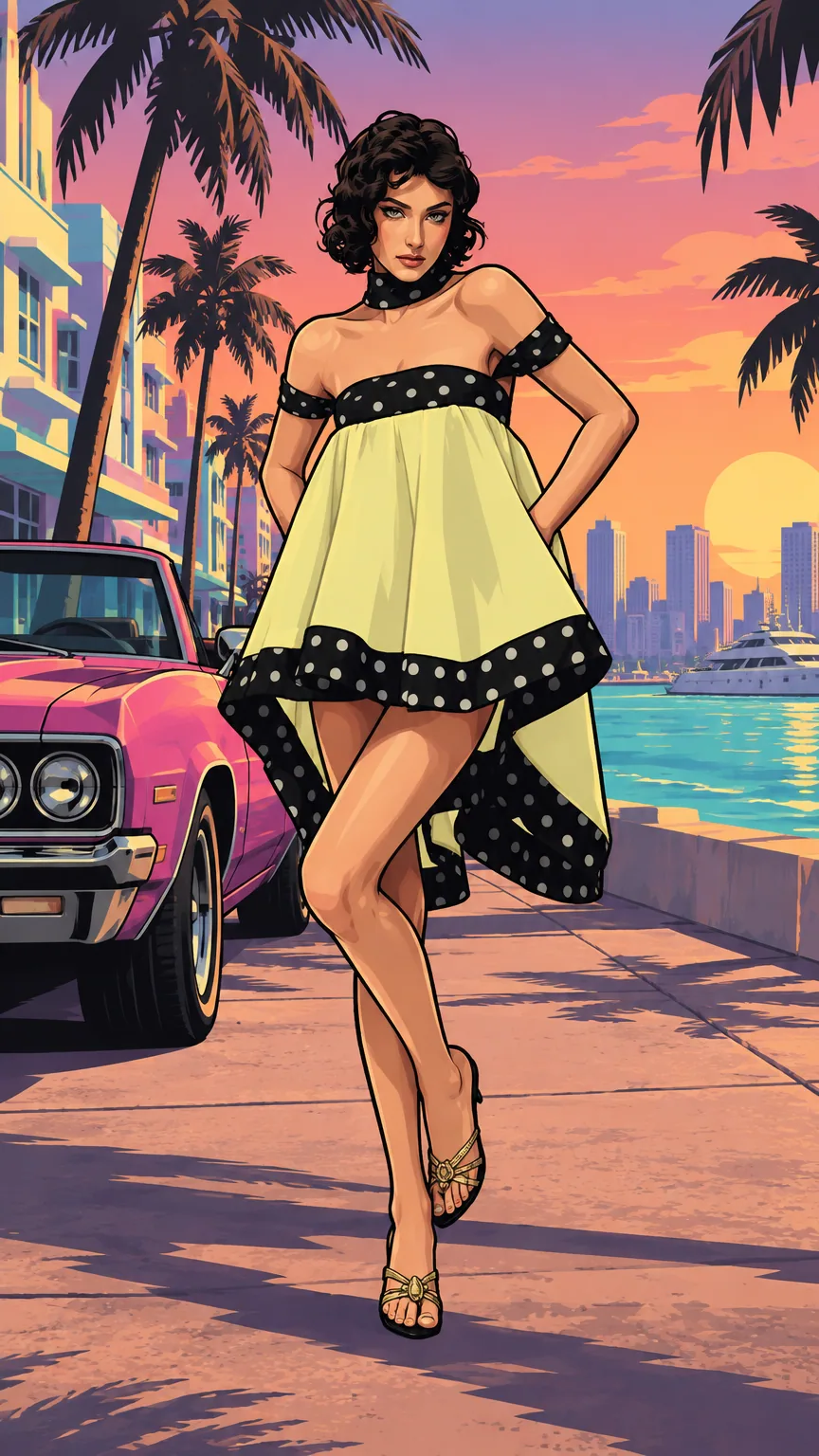 Loading Screen Art
Polka-dot summer fit and wavy bob re-rendered in crisp cel-shaded linework along Ocean Drive with pastel hotels and a pink classic convertible.
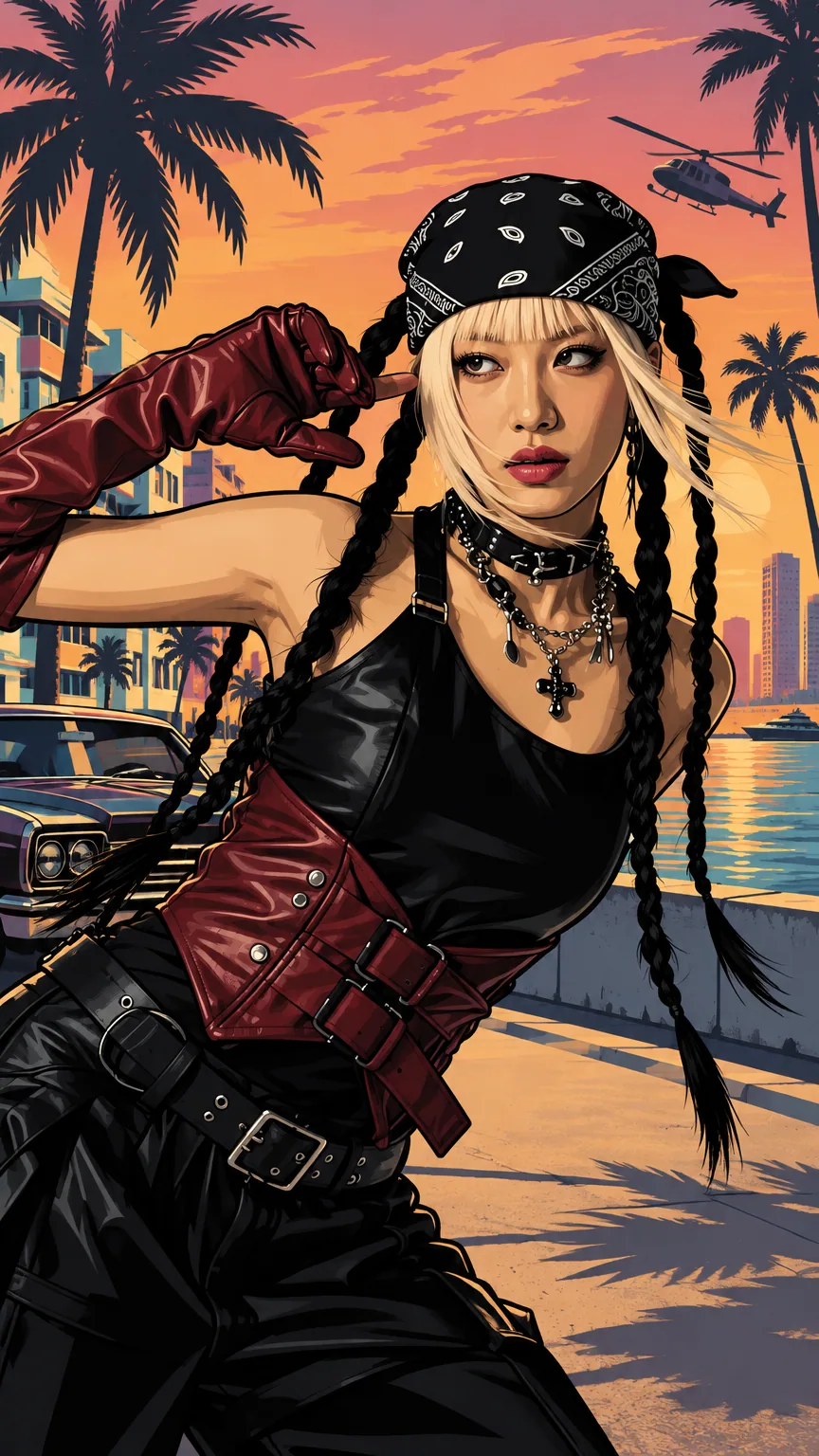 5-Star Wanted
Paisley bandana, burgundy leather gloves, and golden-hour attitude turned into an iconic GTA cover-art character portrait with a chopper overhead.
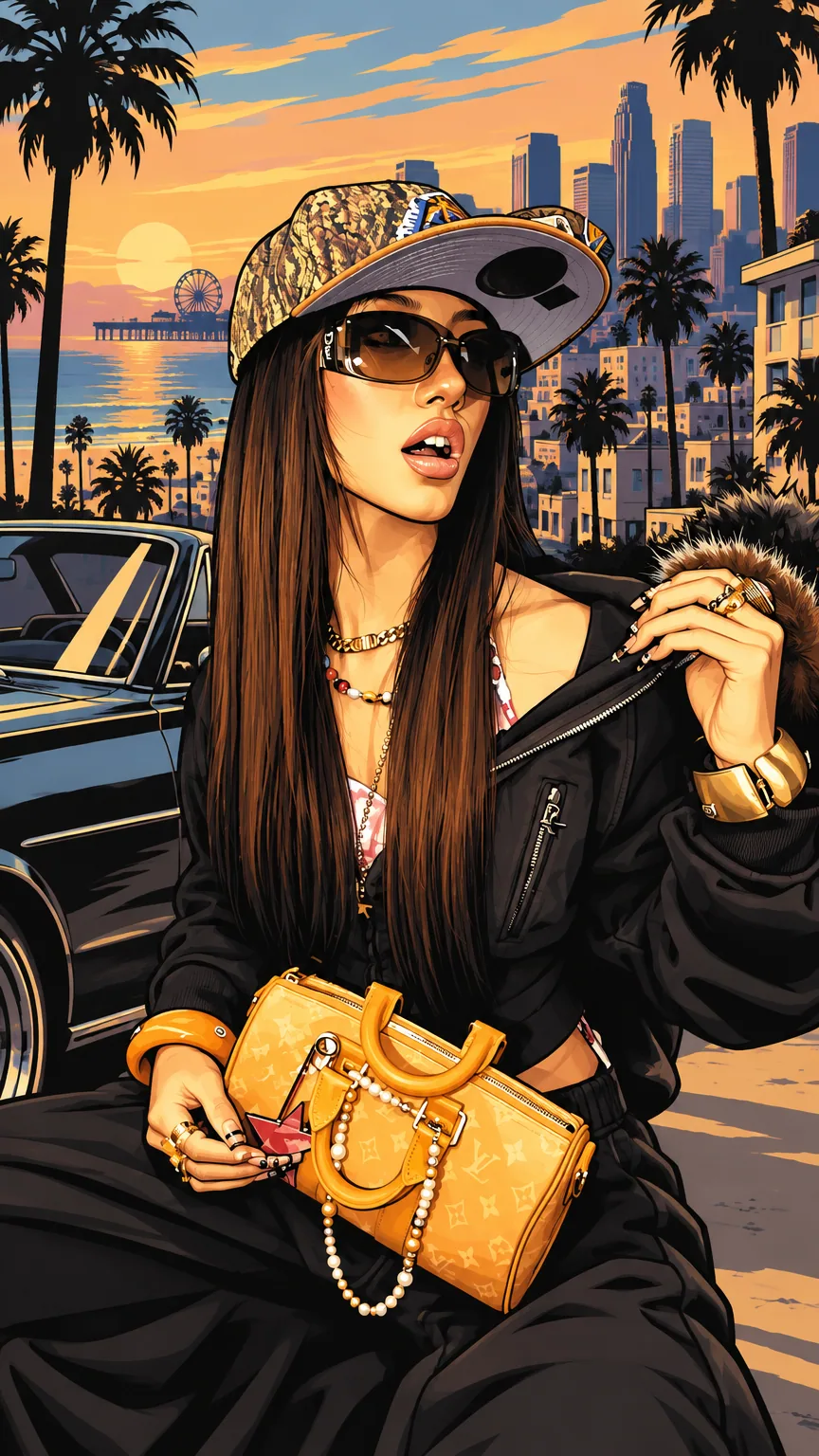 Cover Art Style
Camo snapback, oversized shades, and boardwalk street style rebuilt with warm pink-orange skyline lighting and a Ferris wheel horizon.
Skip prompt engineering and manual cutouts. Go from camera roll selfie to Vice City key art in under a minute for 7 credits.
Create my GTA portraitPick a sharp selfie, 3/4 street shot, or outfit pic in JPG, PNG, or WebP format up to 10 MB.
Our pipeline redraws your likeness in cel-shaded ink linework and places you in a palm-lined Vice City sunset scene.
Save your 9:16 portrait directly from the studio or My Works—ready for TikTok, IG Reels, Discord, or X.
Sharp front or 3/4 angles with confident, relaxed expressions translate best into iconic protagonist key art.
Hoop earrings, sunglasses, caps, leather jackets, and layered fits give the GTA illustrator rich details to ink.
Start with an unfiltered daylight or cleanly lit photo so shadows and skin tones render crisply against the neon sunset.
Upload one photo and Filmury redraws you in a GTA 6-inspired loading screen art style—preserving your facial likeness, hairstyle, and outfit while wrapping the scene in bold ink outlines, cel-shaded lighting, palm trees, classic cars, and a Vice City sunset sky.
A clear, front-facing or 3/4 portrait with good daylight or even indoor lighting works best. Photos that show your outfit, sunglasses, jewelry, or pose give the AI extra character detail to translate into cover art.
Yes. Mirror selfies, street fashion shots, duo portraits, and pets all work well. Make sure the main face isn't heavily blurred or hidden in deep shadow so your identity carries cleanly into the GTA illustration.
Instead of slapping a generic flat filter over your face, this GTA 6-inspired template builds full 9:16 loading-screen key art with Vice City pink-to-orange sunset gradients, Art Deco coastal backdrops, classic rides, and crisp Rockstar-inspired comic shading.
Each generation costs 7 credits and produces a high-resolution 9:16 vertical portrait image ready for TikTok slideshows, Instagram, X, Discord, and profile pictures (PFPs).
Image generation usually finishes within moments in the studio panel above, and every completed artwork is automatically saved to your My Works library for full-resolution download.